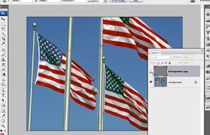
Adobe Photoshop CS3: Sharpening Part 2 – video tutorial
Philip Andrews Demonstrates Sharpening in Adobe Photoshop CS3: Part 2

Philip Andrews Demonstrates Sharpening in Adobe Photoshop CS3: Part 2
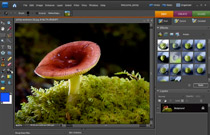
Philip Andrews looks at the Smart Brush Tool in Adobe Photoshop Elements 7
You don't need a professional studio to get great results, here are some creative tips and techniques to try in...

Proving you don't need expensive studio lights, conceptual photographer Chad Coombs talks us through two innovative images of his that...
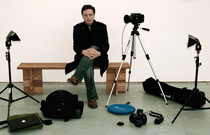
Professional portrait photographer Phil Sharp shoots for major record labels and music magazines. Audley Jarvis talks to him

The new Content-Aware Scale feature in CS4 can be used to turn a landscape image into a portrait picture without...
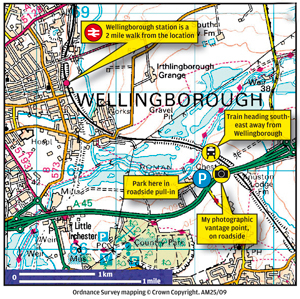
Where and how to take the best train and railway shots - from the makers of Railway magazine
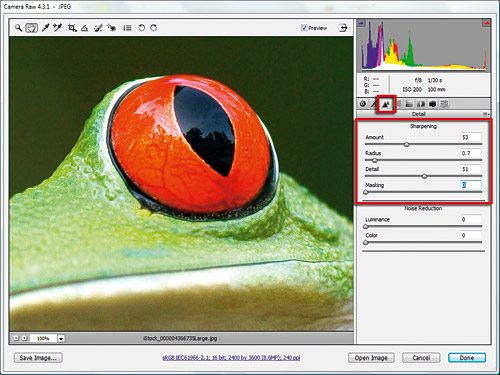
Sharpening your photos in Adobe Camera Raw and Lightroom. What Digital Camera shows you how sharp images can be acheived...
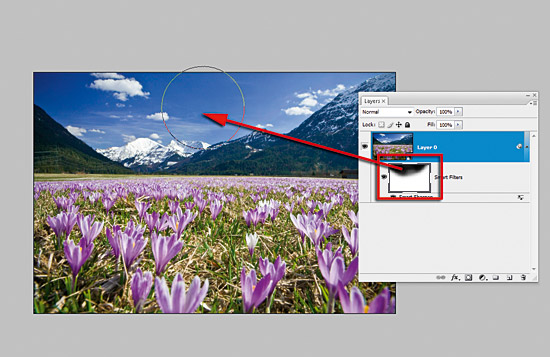
With the introduction of Photoshop CS2 came Smart Objects - the dawn of nondestructive editing for your photos, JPEG or...

Top tips to take your photographic portraits to the next level
Follow What Digital Camera on Facebook
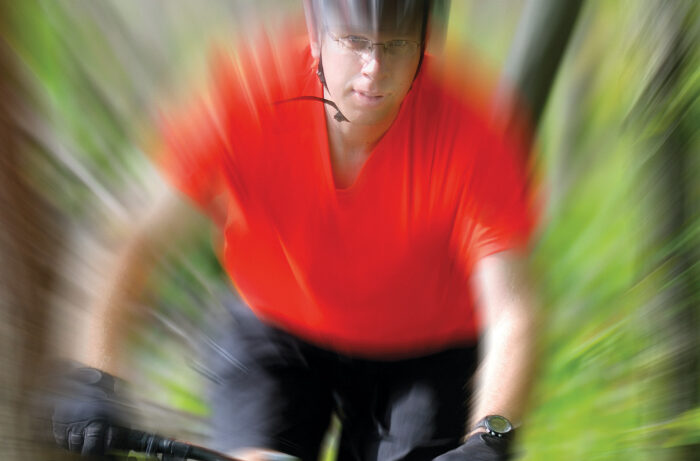
Add motion to your photographs in an instant with this simple but effective technique using your DSLR. Or, if you've...
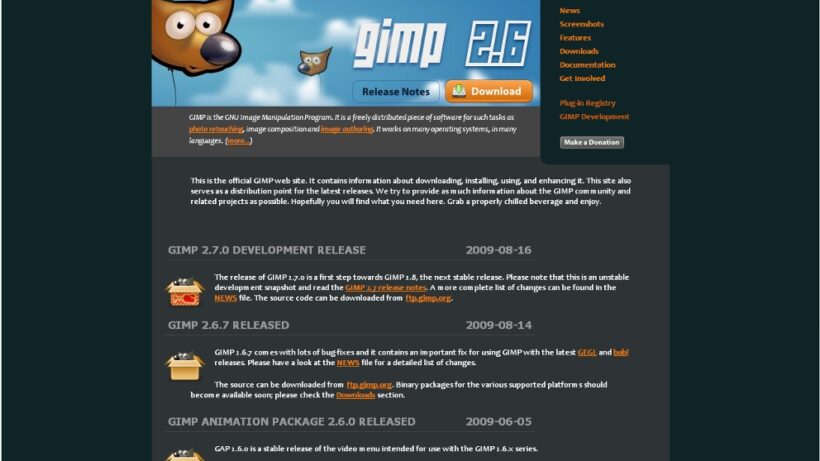
The GIMP image editing software can be used for photo retouching, image composition and image authoring.
This useful software can be used to restore pictures wiped from your memory card!
This handy software breaks down large file downloads into smaller parts, making downloading quicker.
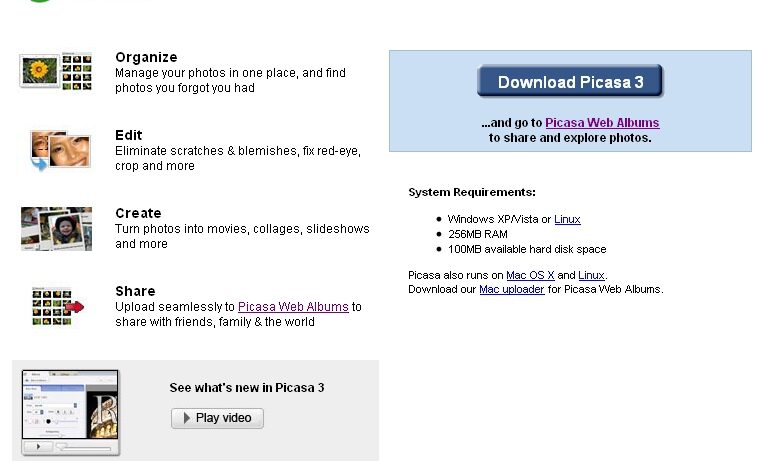
Google's photo album - Picasa, offers a quick and easy way of organising and editing your digital photos.

A nice little image-editing suite for your photographs.
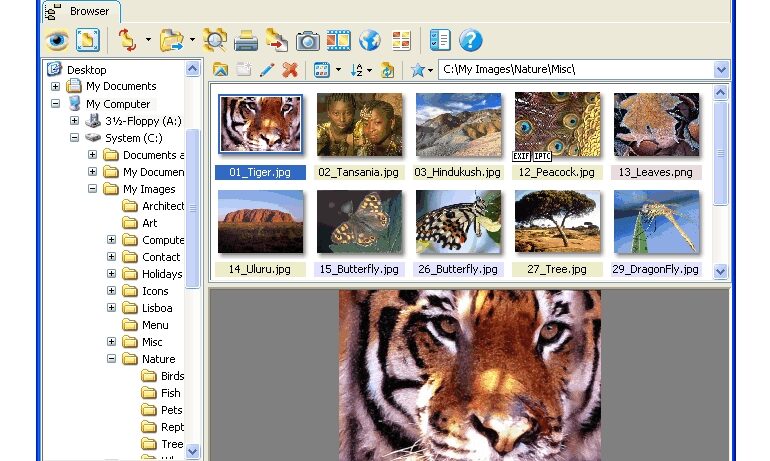
A utility for viewing and converting your image files. You can apply filters, Crop, edit and enhance.