
Pros

-
 - Stunning styling and design make it a joy to use<br />- Best image quality yet from a Four Thirds camera<br />- Easy to adjust image processing settings on a shot-by-shot basis
Cons

-
 - Viewfinder is smaller than similarly priced competitors<br />- Confusing menu makes some features difficult to access<br />- No weather sealing
ISO sensitivity and Noise
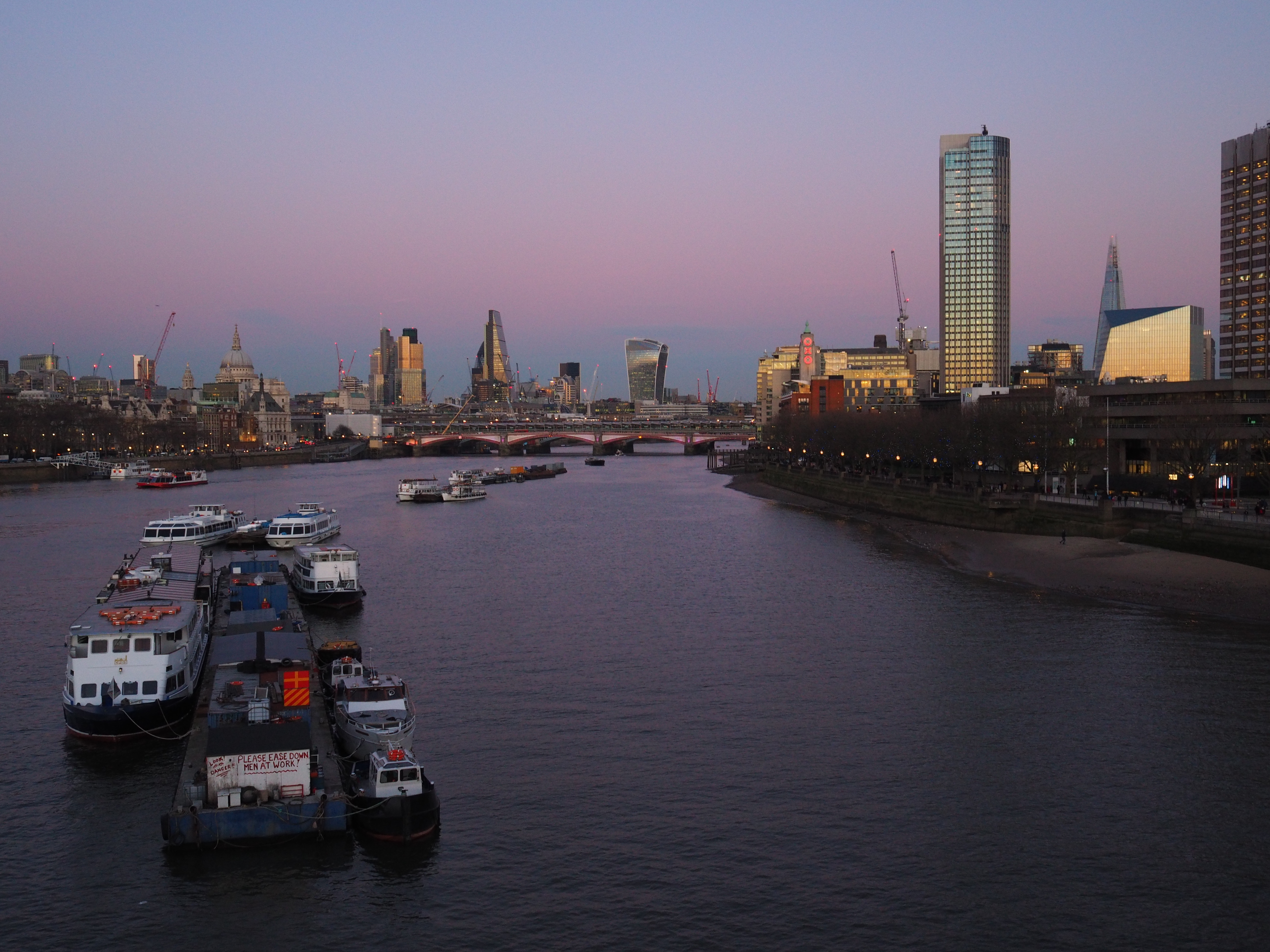

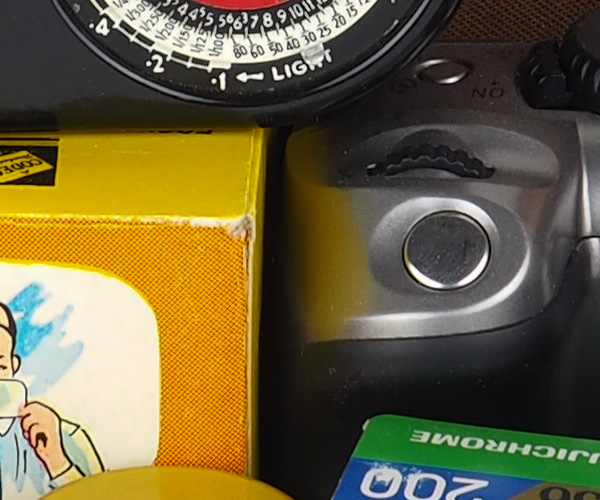
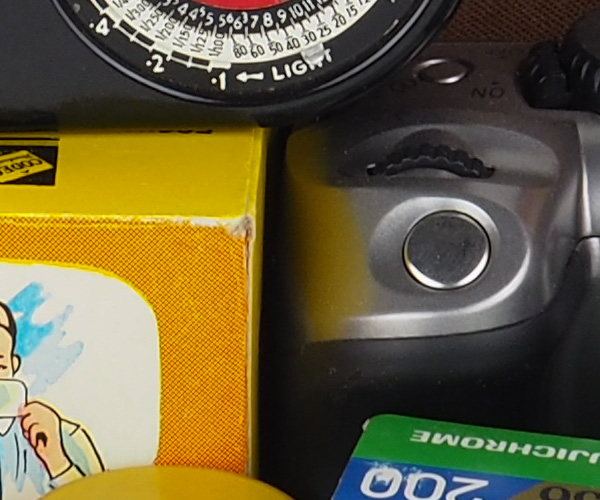
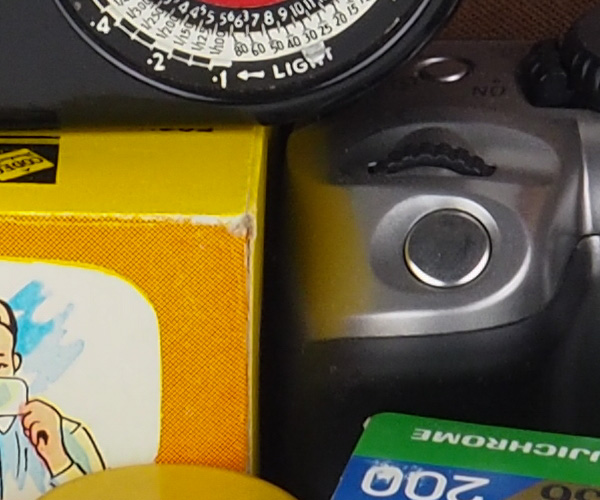
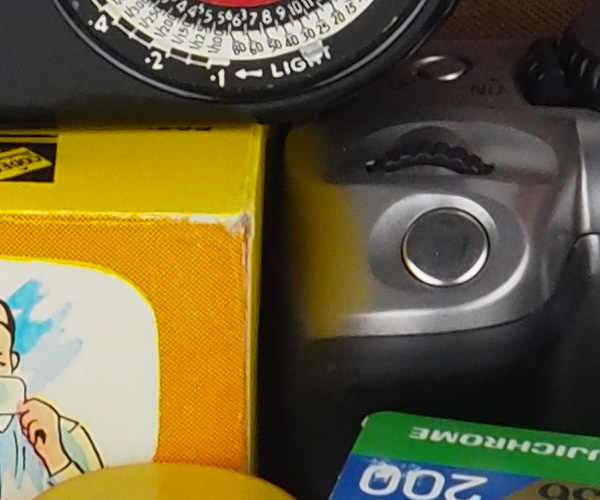
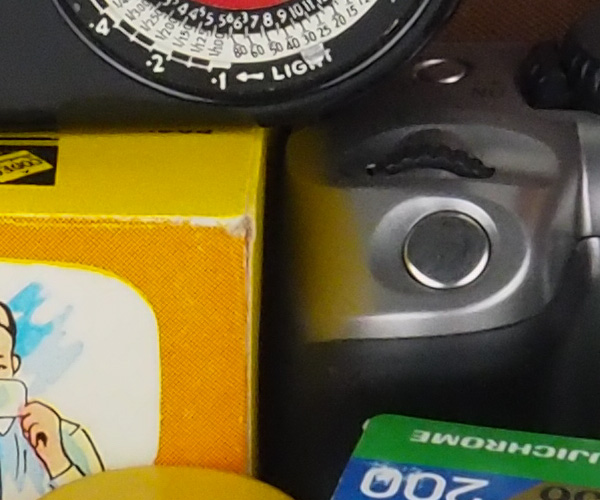
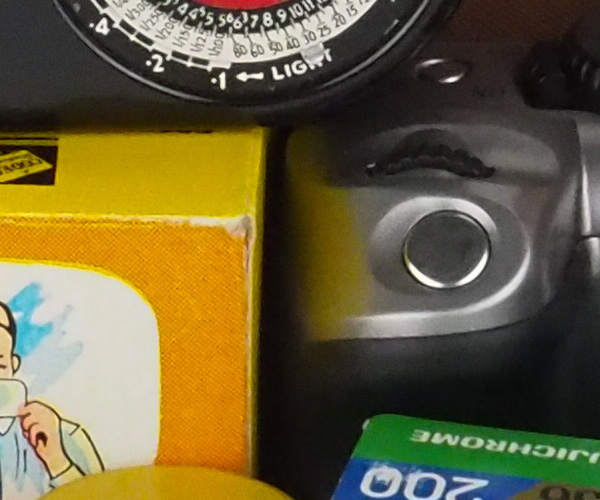
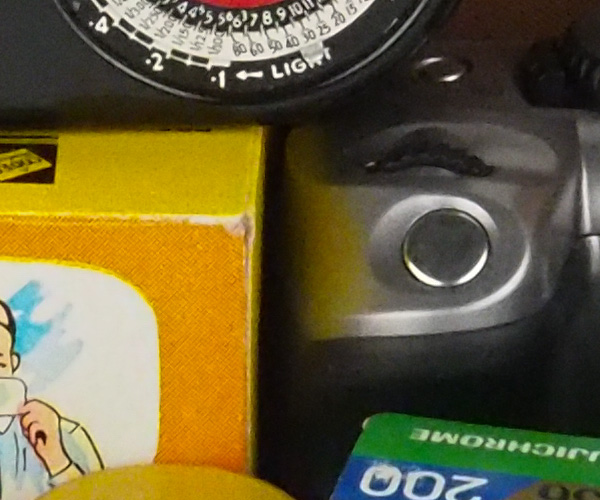
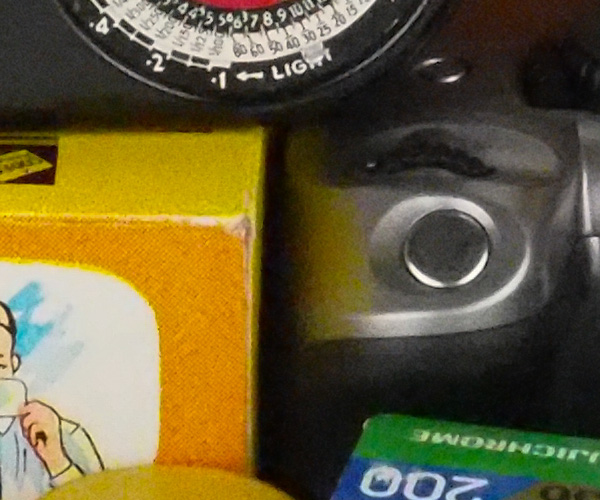
At its ISO 200 base, the Pen-F gives finely detailed images with little visible noise and very attractive colour rendition. Switch to the extended ‘Low’ (ISO 80) setting and the images are even cleaner, although highlights clip to white visibly sooner, so this is best used only in low contrast situations. Increase the sensitivity and while ISO 400 is still eminently usable, fine detail starts to smear at ISO 800, although colour is retained well. I’d happily shoot up to ISO 3200 for less critical work but beyond this things get marginal, and the top two settings are best avoided unless there’s no other choice.
The 100% crops below are of our standard studio scene at each sensitivity setting, in JPEG mode, ‘Natural’ setting.