Adobe Photoshop Elements 7: Online Tutorials – video tutorial
Philip Andrews explains the new tutorials functionality in Elements 7

Philip Andrews explains the new tutorials functionality in Elements 7
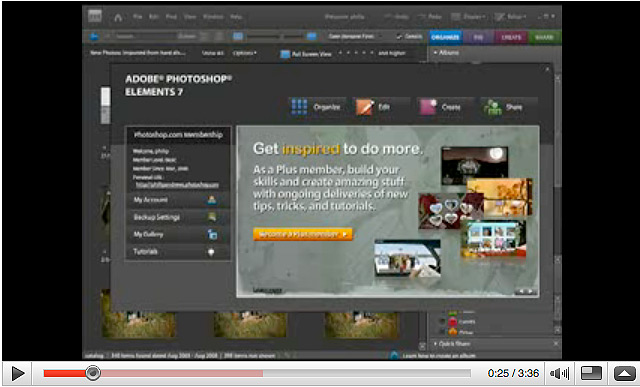
Philip Andrews shows how to create synchronised back-ups in Adobe Photoshop Elements 7
Philip Andrews explains how to use the new Smart Brush in Adobe Photoshop Elements 7
Philip Andrews explains how to use the High Dynamic Range (HDR) feature in Adobe Photoshop CS2
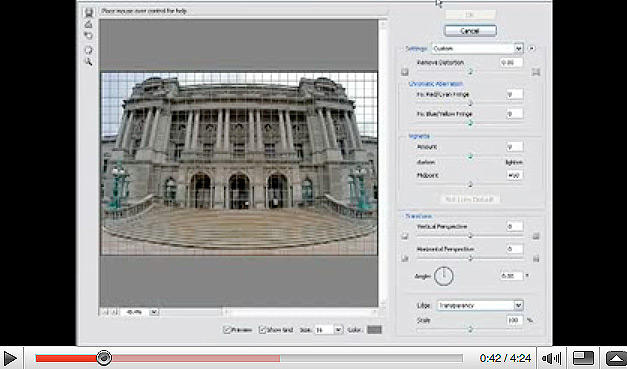
Philip Andrews explains how to use the Lens Correction Filter in Adobe Photoshop CS2
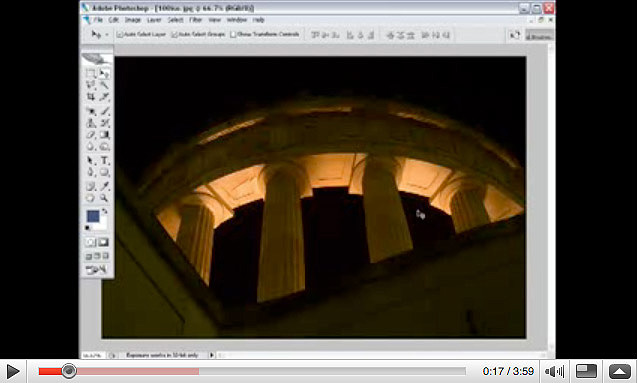
Philip Andrews demonstrates how to reduce image noise in your pictures using the Reduce Noise Filter in Adobe Photoshop CS2
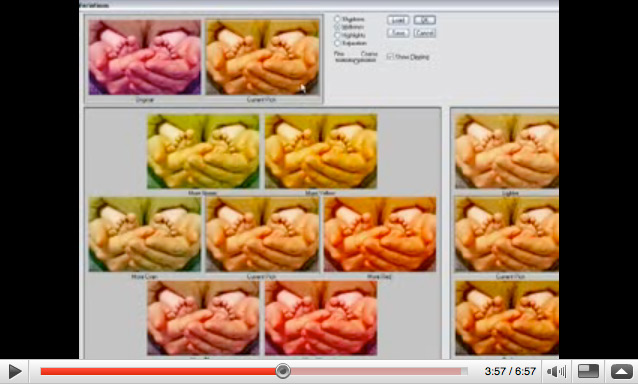
Philip Andrews demonstrates colour correction techniques using Adobe Photoshop CS3
Philip Andrews shows how to create hand colouring effects using Adobe Photoshop CS3

Philip Andrews shows how to create vignetting effects using Adobe Photoshop CS3

Looking to re-size your images without any loss of quality? Philip Andrews explains how the Smart Objects facility in Photoshop...

Use multiple selections to simulate shallow depth of field, and it will look as if you’d done it in-camera. It...

Actions are Photoshop’s answer to cutting down on dull, repetitive commands.
Dust on your pictures? Try these PC fixes

I’ve managed to get some dust on the sensor of my Nikon D70, but I haven’t yet summoned up the...

It’s one of the most complicated subjects in photography, filled with impenetrable jargon, and requiring a knowledge of science and...

Do you aspire to take stunning flower still-lifes? Professional botanical photographer Emma Peios shares a few tips.
Philip Andrews looks at retouching images
Philip Andrews Demonstrates How to Remove Red Eye