
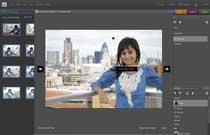

Image Tagging – Creating A Tag
Creating A Tag
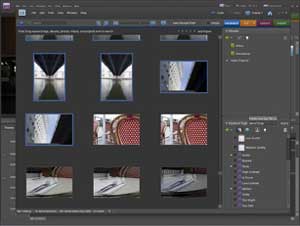

To the right of Photoshop Elements‘s Organizer window is a ‘Tag Selected Media’ field in the Keywords Tag panel. In here it is possible to type your tags which will associate to the selected image or multiple images. The ‘plus’ symbol in the panel also offers the ability to make a ‘New Category’ to the existing four presets – People, Places, Events, Other – where your keyworded photos can live for the purpose of easy-to-view breakdowns.