
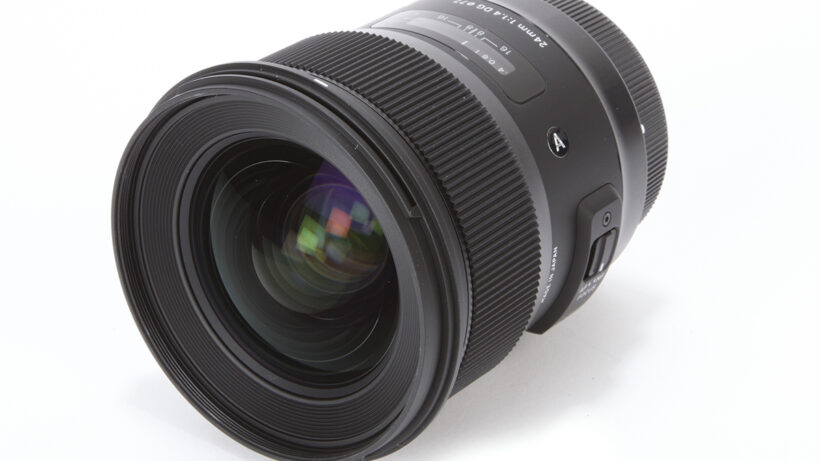

Sigma 24mm f/1.4 DG HSM | A review – Shading

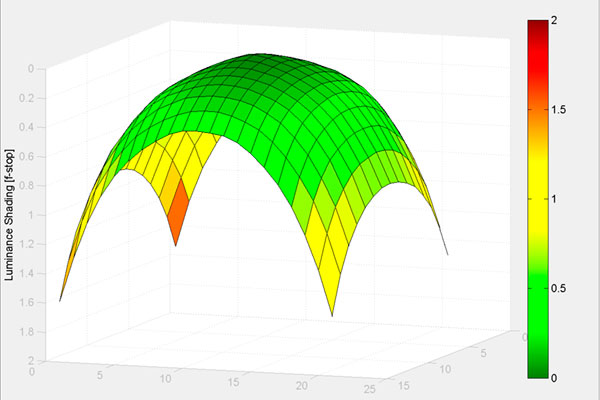
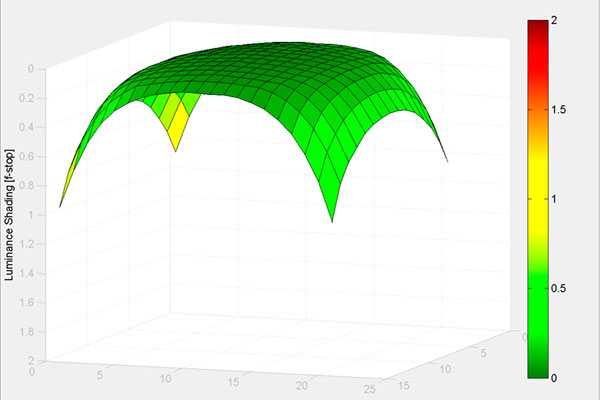
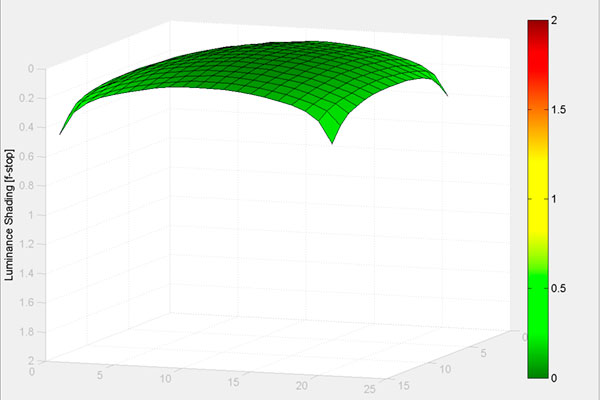
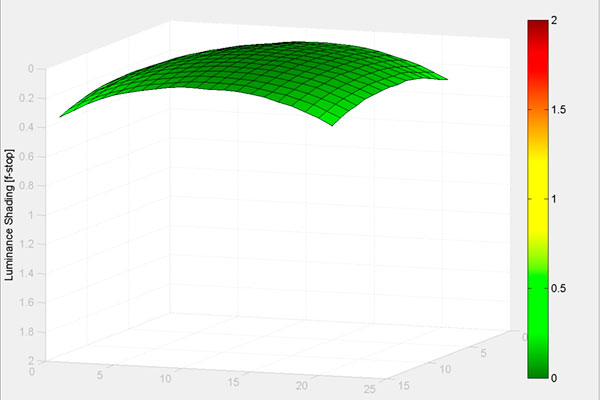
Fast primes invariably show visible vignetting, and in the case of the Sigma 24mm we see a fall-off at the corners of around 1.6 stops at f/1.4. Stop down to f/2 and this reduces considerably, and by f/2.8 it’s essentially gone altogether. If the vignetting at large apertures disturbs you, it can be easily fixed using programs such as Adobe Lightroom or DxO Optics Pro.
This example illustrates the vignetting in real-world use. Shot at f/1.4 on the Canon EOS 5D, the vignetting is gradual across the frame, and far from unattractive. It can be corrected easily enough in post-processing, if desired.