

Pros

-
 - Stunning styling and design make it a joy to use<br />- Best image quality yet from a Four Thirds camera<br />- Easy to adjust image processing settings on a shot-by-shot basis
Cons

-
 - Viewfinder is smaller than similarly priced competitors<br />- Confusing menu makes some features difficult to access<br />- No weather sealing
Creative controls

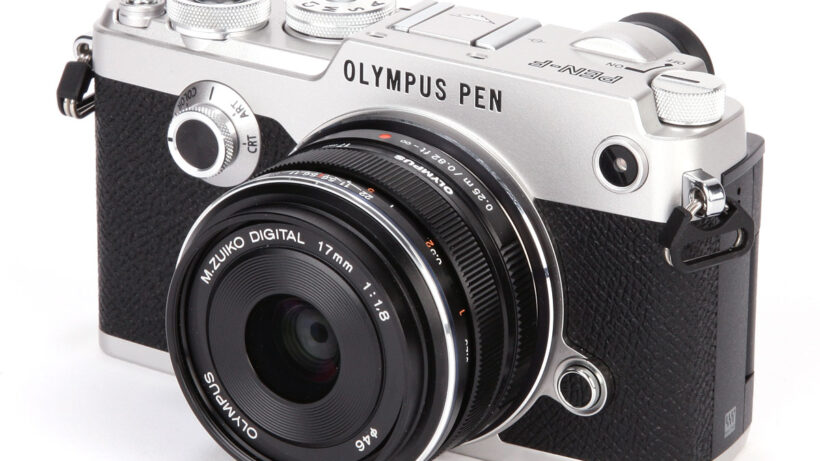
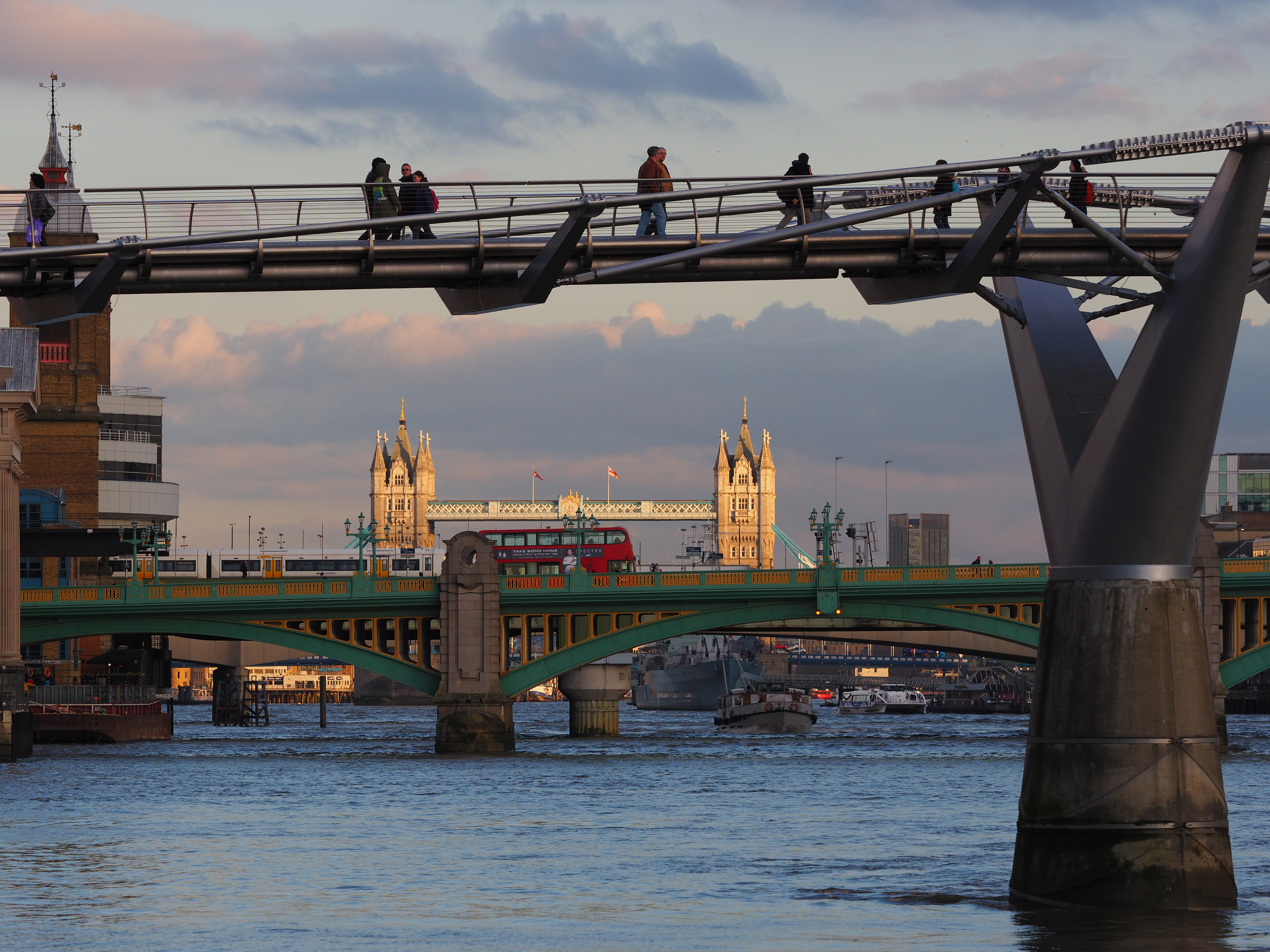
One of the most unusual aspects of the Pen-F is the way it places control over the JPEG processing settings literally at your fingertips, positively encouraging you to experiment with changing them on a shot-by-shot basis. To make the most of this, Olympus offers huge scope for manipulating your images. Aside from the usual set of colour presets for different kinds of subject, it also has Olympus’s signature ‘Art Filters’ which provide a variety of heavily processed looks such as toy camera or grainy film, alongside ‘Color Creator’ which adds a user-controllable tint to the image.

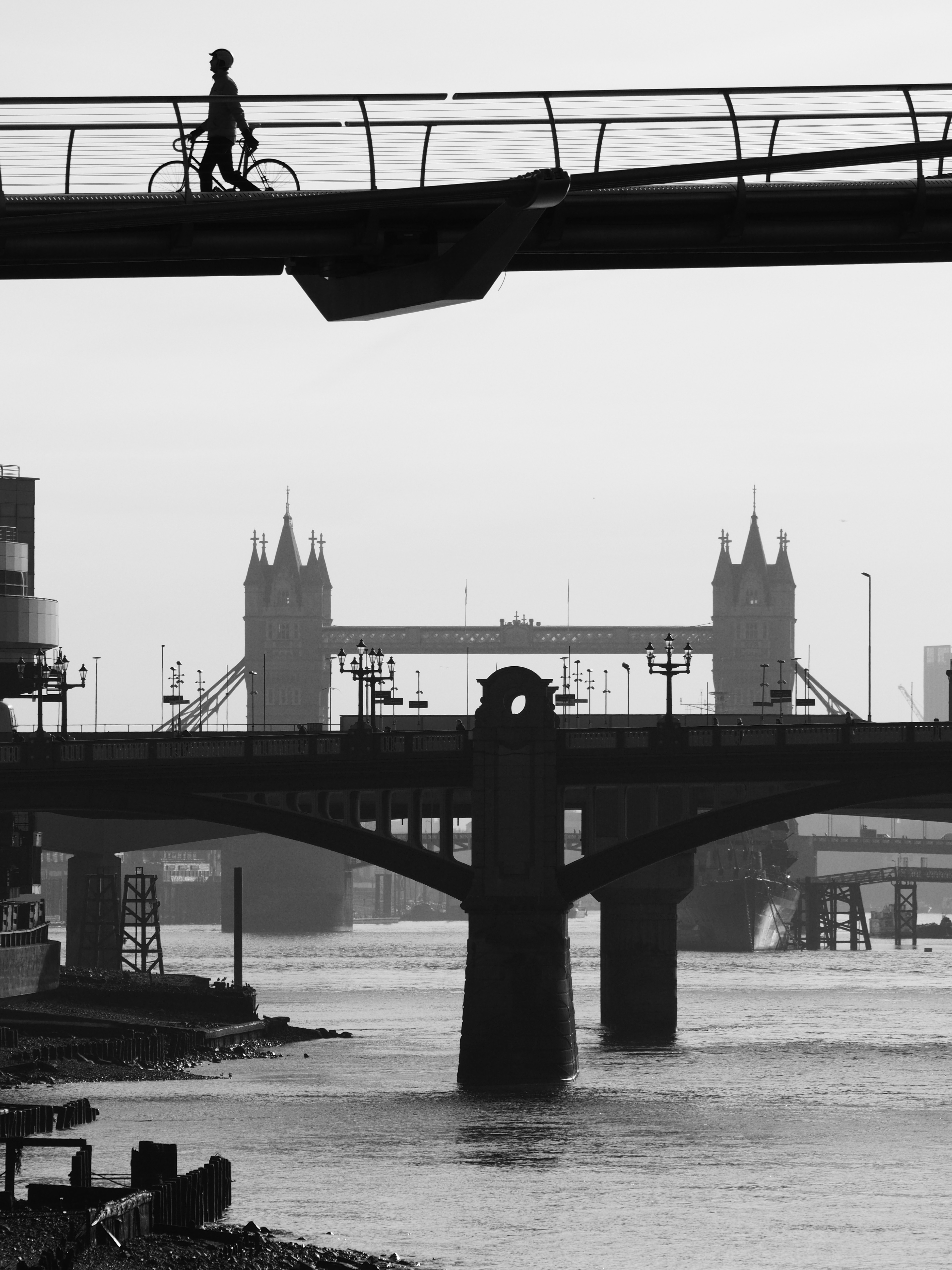
Two entirely new modes also make their entrance – one for colour, and one for black and white. Each offers a choice of three distinctly different looks as a start point, accessed from the onscreen Super Control Panel. The colour mode allows individual hues to be enhanced and suppressed at will, for example accentuating blues while desaturating reds. Meanwhile, the mono mode lets you adjust the tonality of your images by mimicking the effect of using colour filters with black & white film, and adding vignetting and film grain effects.
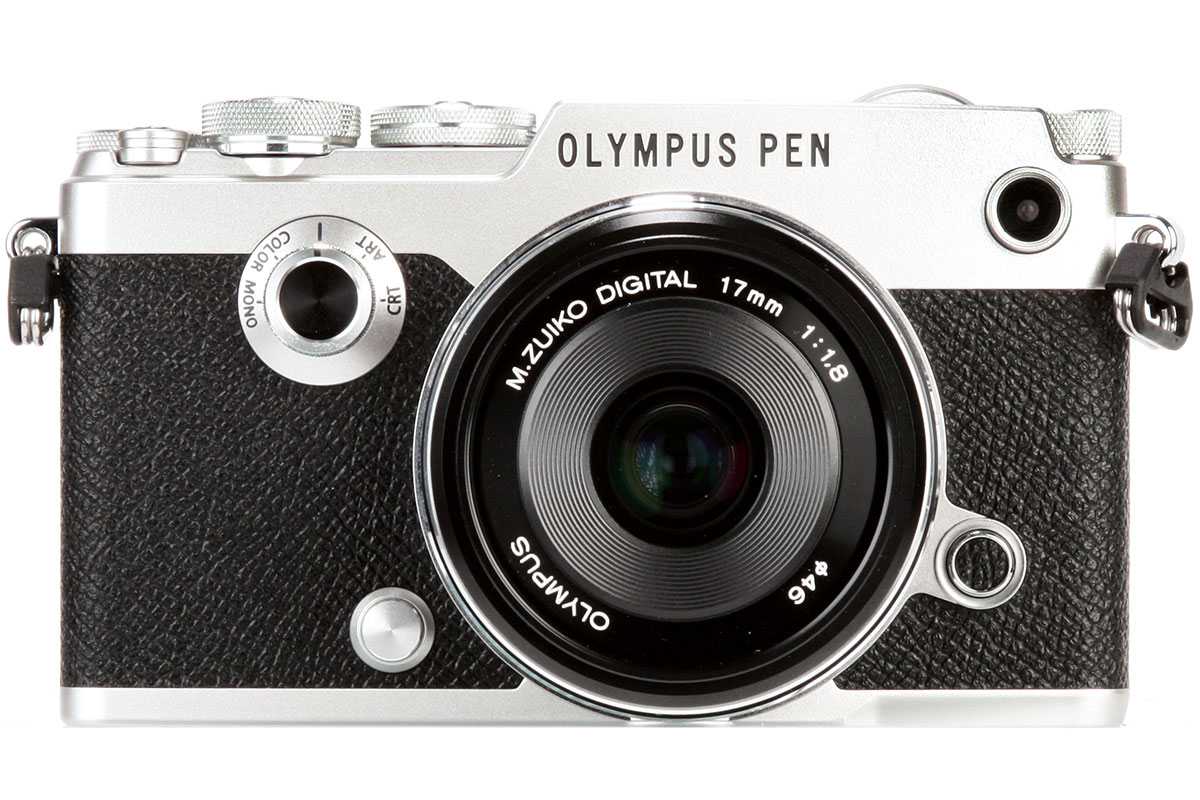
To achieve this, Olympus has added two new controls to the Pen-F. A dial on the camera’s front selects the processing mode, and a thumb lever beneath the exposure mode dial gives quick access to the various settings, which are then changed using the electronic control dials and previewed live in the viewfinder or on the LCD. In practice I found it mostly works very well, and encourages a completely different type of creativity while shooting.
If you’re the kind of photographer who religiously shoots everything in raw for working up later, this will probably look like a superfluous frippery. However, if you enjoy manipulating your images in-camera and don’t have the time or inclination to sit in front of a computer post-processing, it’s a really interesting approach and one I’ve certainly enjoyed using. Best of all, you can shoot raw files alongside your filtered images, and reprocess them later if you change your mind, either in-camera or on the computer.