
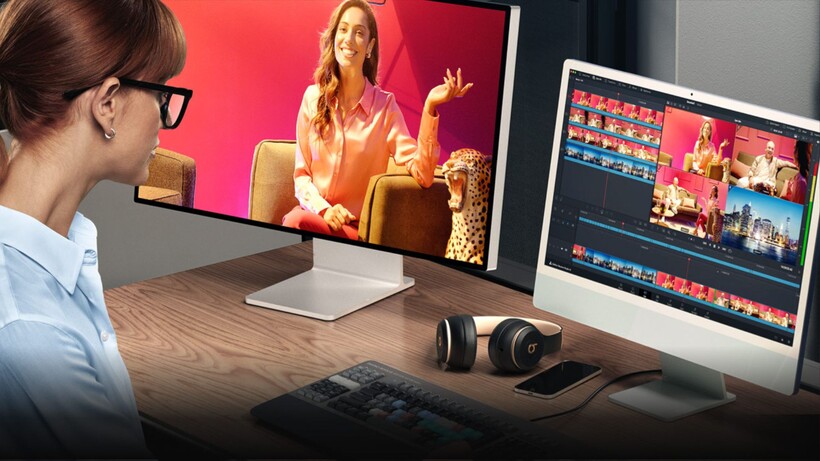


Blackmagic Design has reduced the price of DaVinci Resolve Studio from £225 to £185 in a limited-time promotion, saving UK buyers £40 on its professional editing software. The offer runs until 20 November 2026 through participating resellers, with selected editing keyboards and colour grading panels also included in the promotion.
DaVinci Resolve Studio combines video editing, colour correction, visual effects, motion graphics and audio post-production within a single application. Version 21 also introduces a dedicated Photo page, extending the software’s colour grading tools to still photography. It supports native RAW files from Canon, Fujifilm, Nikon and Sony cameras, with options for cropping, reframing, organising images into albums and tethered shooting. For photographers who also produce video, this provides a way to work with both formats without moving between separate editing applications.
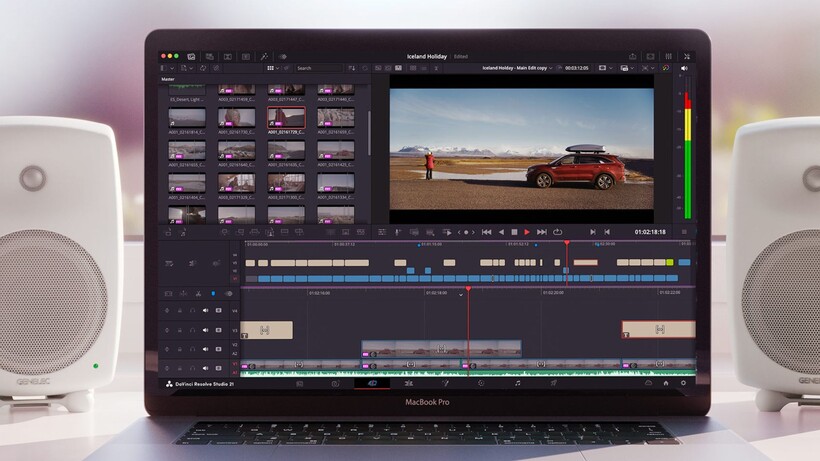
Although Blackmagic Design offers a free version of DaVinci Resolve, the paid Studio edition includes additional processing and effects tools. These include AI Magic Mask for isolating and tracking subjects, SuperScale for increasing footage resolution and Speed Warp for creating smoother slow-motion sequences. The software also provides advanced noise reduction and a wider range of Resolve FX tools, making the upgrade particularly relevant to editors working with demanding footage or complex colour grading projects.
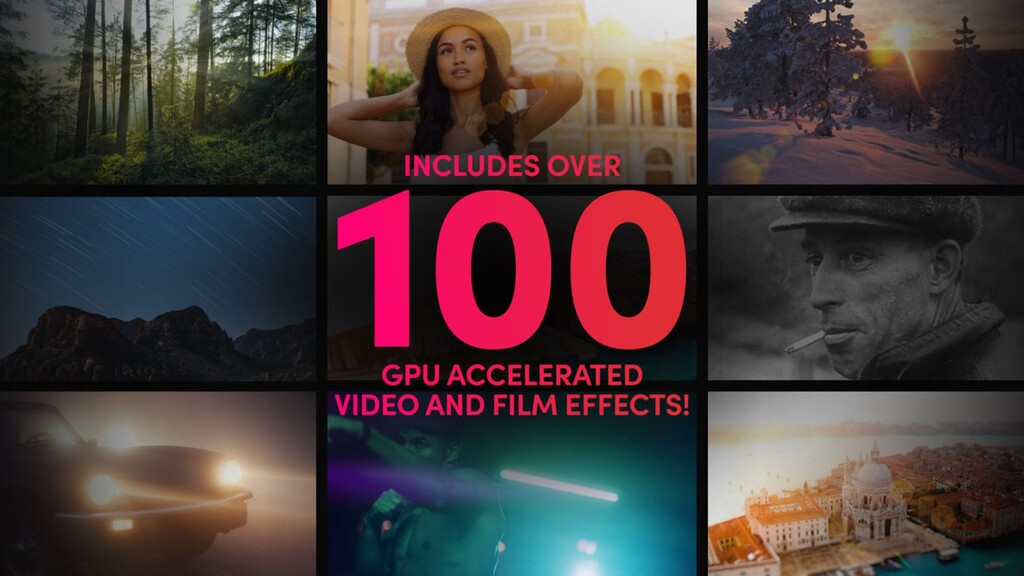
Blackmagic Design has also announced performance improvements in DaVinci Resolve 21.1 for newer hardware. According to the company, AI SuperScale runs almost 70% faster when upscaling HD footage to 8K on Apple’s M6 processor compared with the M5, while AI Speed Warp improves by more than 60%. Support for NVIDIA RTX Spark systems also brings reported gains in AI processing, although these figures are manufacturer benchmarks rather than independently verified results.
The DaVinci Resolve Studio promotional price is £185, reduced from £225, representing a saving of £40. Selected DaVinci Resolve editing keyboards and colour control panels are also discounted by 20%, subject to availability. The promotion is scheduled to end on Friday, 20 November 2026, with purchases available through participating Blackmagic Design resellers.
Press release
DaVinci Resolve 21
Professional Editing, Color, Effects and Audio Post!
DaVinci Resolve is the world’s only solution that combines editing, color correction, visual effects, motion graphics, audio post production and now photo editing all in one software tool! Its elegant, modern interface is fast to learn and easy for new users, yet powerful for professionals. DaVinci Resolve lets you work faster, at a higher quality, because you don’t have to learn multiple apps or switch software for different tasks. You can work with camera original quality images throughout the entire process. It’s like having your own post production studio in a single app! Best of all, by learning DaVinci Resolve, you’re learning how to use the same tools used by Hollywood professionals!
Hollywood’s #1 Post Solution
High end professionals working on feature films and television shows use DaVinci Resolve more than any other solution! That’s because it’s known for incredible quality and creative tools that are light years beyond the competition. You get DaVinci’s Emmy™ award winning image technology with 32-bit float processing, patented YRGB color science and a massive wide gamut color space for the latest HDR workflows. You also get the legendary quality of Fairlight audio processing for the best sound in the industry! With DaVinci Resolve, you get the same tools professional colorists, editors, VFX artists and sound engineers use every day to finish your favorite films and streaming television shows!
What’s New in DaVinci Resolve 21
DaVinci Resolve 21 introduces the Photo page, bringing Hollywood’s advanced color tools to still photos for colorists and photographers! Plus there’s over 100 new motion graphic effects, 50 new features and hundreds of quality of life improvements. New AI tools include IntelliSearch for fast content searching, CineFocus for focal point adjustment, tools for facial refinement, and more. The cut and edit pages have improved keyframing and greater graphic format support. Fusion includes the Krokodove toolset with over 70 new graphics, and Fairlight’s folder function simplifies audio track management. MultiMaster trim passes, layer list node graphs and group versions enhance color page workflow.
Multi User Collaboration
DaVinci Resolve is the only solution that lets you grow and build your own multi user post production studio! The project libraries are built for real time local and remote collaboration. While the Blackmagic Cloud website lets you host and access your projects and media from anywhere in the world. Now you can collaborate with editors, colorists, visual effects artists, and sound engineers all working together at the same time. Best of all, you no longer have to import and export files, translate projects, lose work, or conform and manage changes. DaVinci Resolve is the only application in the world that lets everyone work together in parallel on the same project and at the same time!
All In One Solution for Post Production
DaVinci Resolve is divided into “pages”, each of which gives you a dedicated workspace and tools for a specific task. Editing is done on the cut and edit pages, visual effects and motion graphics on the Fusion page, color correction on the color page, audio on the Fairlight page, and media organization and output on the media and deliver pages. All it takes is a single click to switch between tasks!
Download DaVinci Resolve Free!
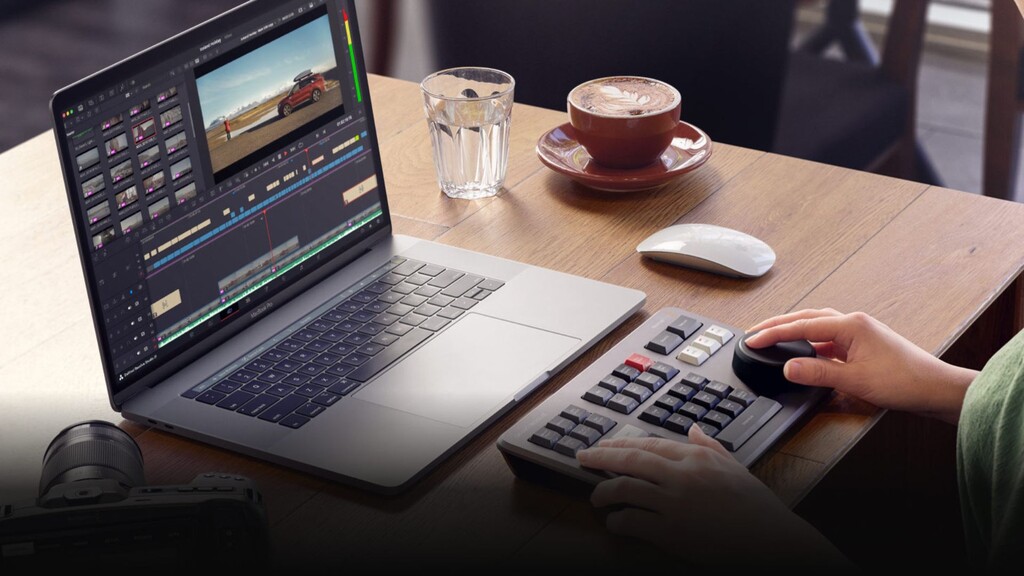
The best creative tools shouldn’t be limited to Hollywood. That’s why there’s a free version of DaVinci Resolve, so you can learn how to use the same tools that professional Hollywood artists use. DaVinci Resolve is designed to inspire creativity so you can focus on doing your best work. Once you learn the software and start using it for more work, you can purchase DaVinci Resolve Studio which adds tons of additional effects, 3D and more. Adding an editor keyboard, color control panel, or audio console lets you work even faster because you can use both hands at the same time, allowing you to be more creative and do things that are impossible with a mouse!