
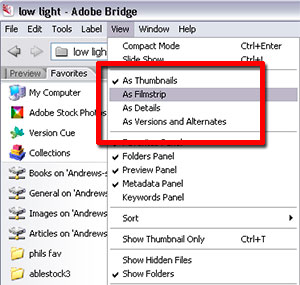


The image content in Bridge can be viewed in a variety of ways including as a Slide Show or in Compact mode, to save screen space. Other than these specialist options the content can also be displayed as Thumbnails (the default mode), like a filmstrip, with details attached or together with any versions or alternates that are available.
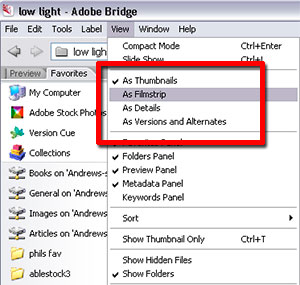
01The many ways to view the content in Bridge are listed in the View menu. There are four main choices with As Thumbnails being the default option. To select an alternative arrangement simply choose another entry from the menu.
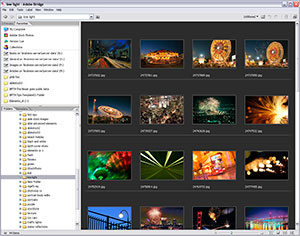
View > As Thumbnails
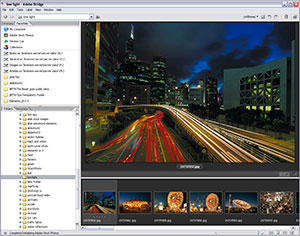
View > As Filmstrip
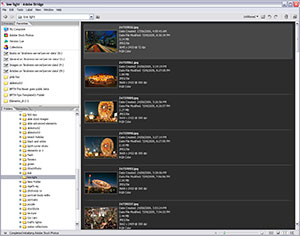
View > As Details
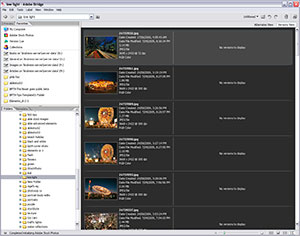
View > As Versions and Alternates
In Bridge:
View > As Thumbnails
View > As Filmstrip
View > As Details
View > As Versions and Alternates