

Pros

-
 Nice small mic units
 -
Mic units are lightweight and don't pull clothes
-
Great audio quality
-
Multi-cam recording
-
Can record up to 4 voices
-
32 bit wireless transmission
-
Great value for money
Cons

-
 32 bit recording only to Apple devices
 -
Currently no kit with two camera RX units

There is suddenly a lot of competition in the wireless microphone market, and it seems any Tom, Dick or Harry can put a kit together and advertise it online. Some key piece of the technology must have become common knowledge, or manufacturers have been opening each other’s products to see what’s inside. Either way, what was a somewhat exclusive arena is now a little crowded with some players we’d never heard of and others who we know for completely different types of devices.
I suppose at some stage Hollyland was also a new up-and-coming name in the wireless mic market, but the company has been a specialist in the wireless transmission of audio and video for some time, and seems to have slightly more unique technologies than the average operator in this area. The company has been doing great things, and I’ve noted in the last six months or so that it is the discrete Hollyland Lark mics I see on BBC TV news presenters and interviewees instead of the larger, more obvious, Rode Wireless Go units that used to dominate the scene.
This Lark M3 system isn’t the tiniest set of mics Hollyland makes, but they are still smaller and lighter than most, and with new features building on those we’ve seen in the existing range this looks like a promising set.
Hollyland Lark M3 Features
Key Features
-
 Review Price:
£113.59
Review Price:
£113.59
-
 Use four mics together and four receivers
-
Have up to four people speaking
-
Have up to four cameras recording
-
Four channel recording to computers or Sony cameras
-
Wireless 32-bit float transmission for iPhone/iMac
-
Custom voice tuning
-
Bluetooth monitoring of camera audio – coming soon
On the face of it these M3 mics look very much like the M2 button mics we saw at the beginning of 2024. They are pretty much the same size and share a good deal of the same design, and while the pick-up area looks larger on the new models it is the metal strip covering it that’s bigger rather than the opening itself. What is new though is that we can now, as with the Lark Max 2, add extra mics to record up to four voices individually. And, as if that wasn’t enough, we can now record those four voices to up to four receivers/cameras. That really expands the system and takes what was a standard two-voice-to-one-camera set-up to now offering users the chance to grow their capacity to more voices and to multi-cam arrangements. Of course we don’t have to use four mics or four receivers – we can record one voice to one camera – but the choice is now there.
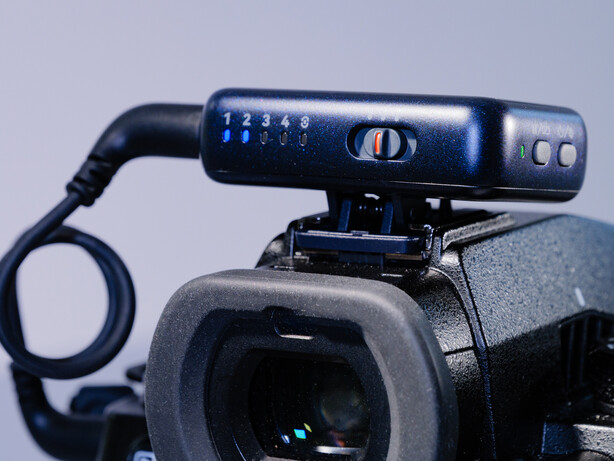
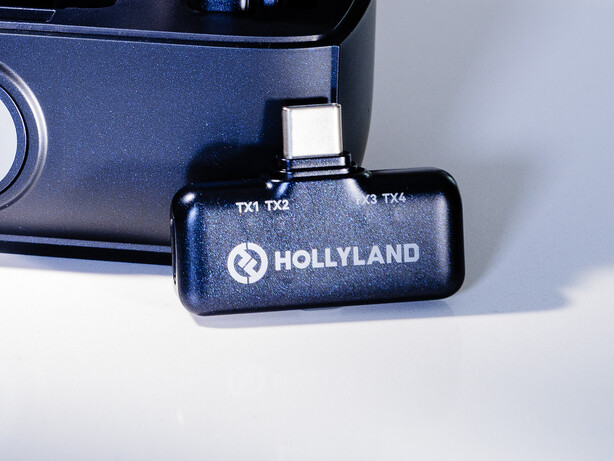
This is a pretty useful feature as more and more people want to record themselves or others from two different angles at the same time. Even the basic kit here allows one receiver to go on top of your camera while the other receiver goes into your phone, so we already have a two-camera capability straight off the bat. And with the new feature set we can now connect to the HollyAudio app with the phone RX and make our phone the Master controller. Then we can use the app to control the transmitter microphones that are feeding into the main camera whether we are recording into the phone or not. So, effectively, we get remote control of the general audio levels and the effects applied to each mic without having to adjust the receiver on the camera. With a set of headphones plugged into the phone you can also monitor the audio being transmitted to the on-camera receiver – though not what is actually being recorded to the camera’s video.
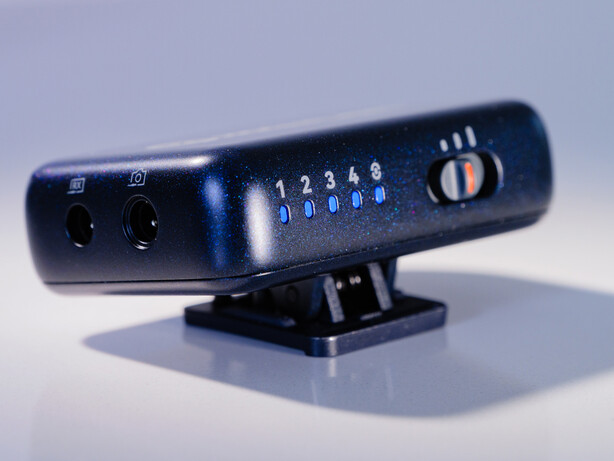
This Lark M3 brings 32-bit transmission to the Lark series for the first time. We’ve had 32-bit float recording internally to the Lark Max 2 transmitters, but we’ve never been able to transmit that type of data to an RX unit before. My excitement about this feature was slightly tempered when I realised 32-bit transmissions can only go to Apple Mac devices – such as an iPhone or Mac computer running software that can handle 32-bit recordings. It is Hollyland’s proprietary HDT (High Data Transmission) technology that allows this level of data transfer, with Hollyland claiming it can now transmit 50% faster and thus carry more data per second than before.
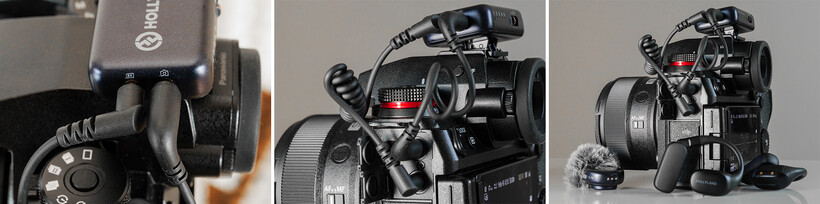
The camera receiver can carry four channels of audio too, so if you have a modern Sony camera that can handle four channels via the hotshoe Hollyland’s Hotshoe adapter will let you record each of the four possible microphones to its own channel. Other camera owners will be able to record individual microphones to separate channels when two mics are in operation, but when four mics are transmitting you’ll get two mics per audio channel on the video sound track. We also have the option to connect the camera RX to a computer via USB to get the four individual mics recorded separately to their own audio tracks.
Hollyland now gives us colour coding on the mics and the RX units so we can determine which mic is which via the indicator lights on the TX units. They can light up in four colours to match the colour shown against each channel in the app, on the camera RX and the phone RX.
Hollyland Lark M3 In use
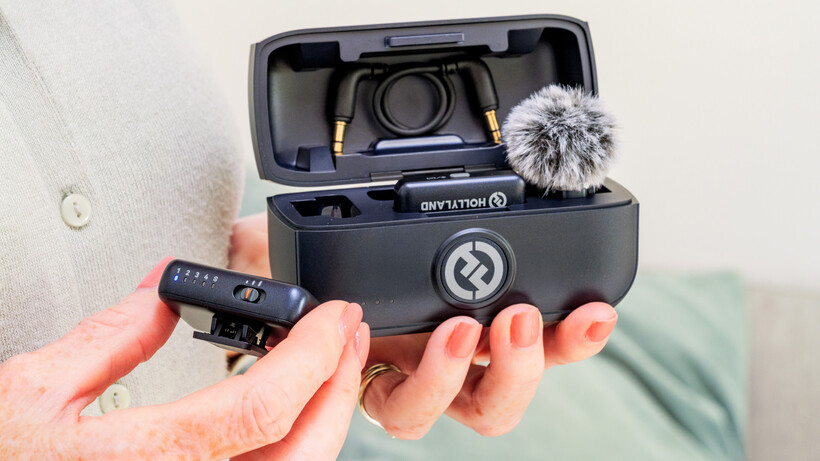
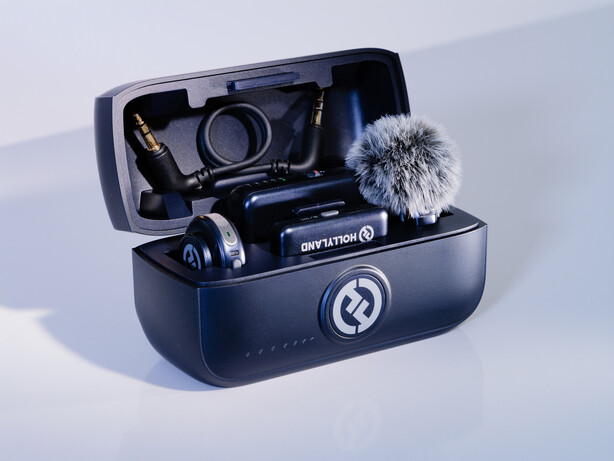
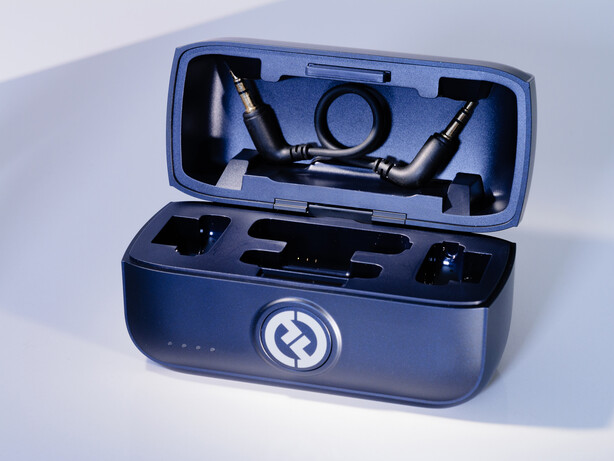
As I have come to expect from Hollyland wireless mic systems, the Lark M3 kit I tested was very easy to set up. I had a kit that includes two mic transmitters, a camera RX and a phone RX, all of which sits neatly in the charging case. The mics come with their fluffys attached in the case, and the camera cable sits inside the lid of the case – so suddenly we don’t need an extra bag for accessories. When you take the RX and TX units out of the case they just connect, and they stay connected, so we don’t have to think about linking them – they just do it.
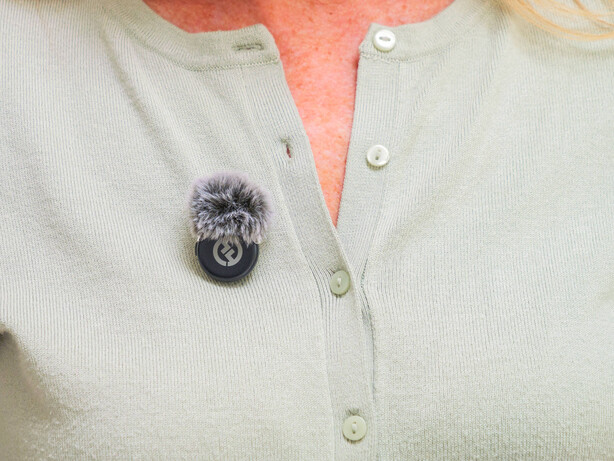
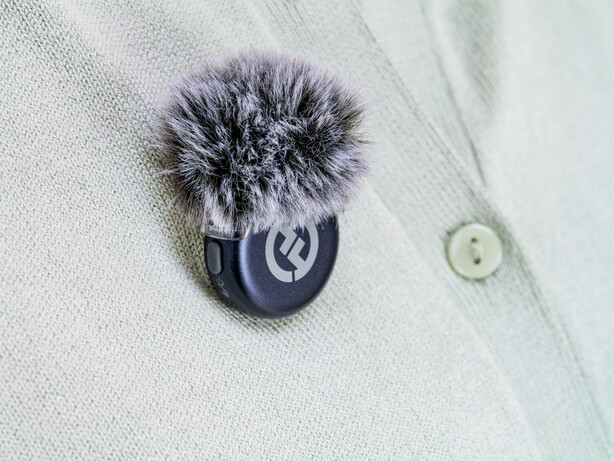
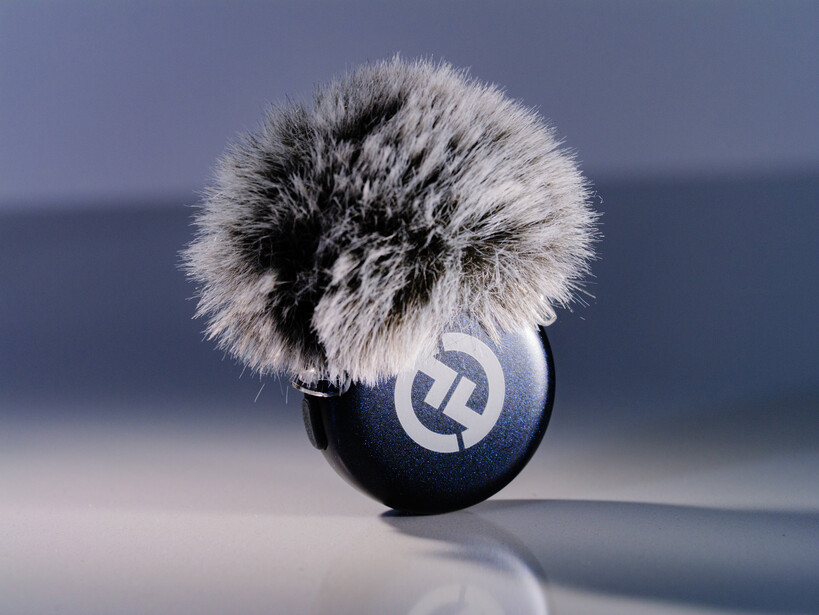
The TX units are very light and all the weight they do have is balanced so they don’t pull at your shirt. You can wear them with the mic outside your clothes or reversed so the mic is hidden and just the magnetic back is visible. If you are wearing a shirt they can fit in a pocket, and as they are reasonably slim they don’t bulge too much. There’s no lav mic connection and no USB on these TX units, so the built-in mic is all you have.
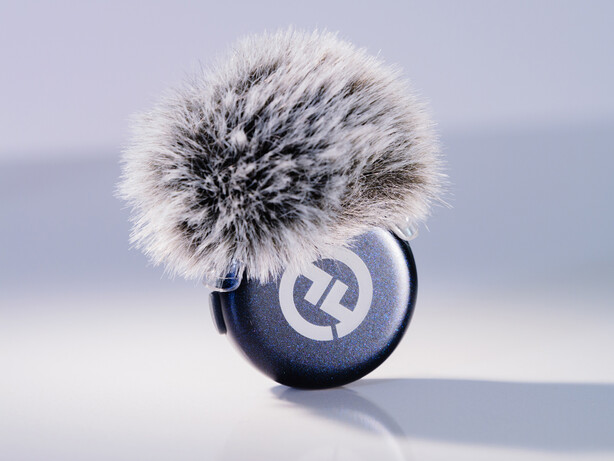
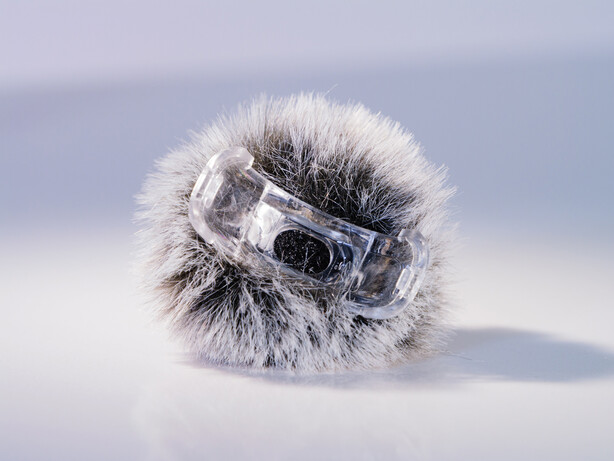
The fluffy covers clip over the mic receiving area and they are held securely so they don’t drop off, and you are unlikely to lose them. They are quite big though, and while effective at their wind-dampening job they are harder to hide if you want to wear the mic inside your shirt. Perhaps we need clip-on foam covers too.
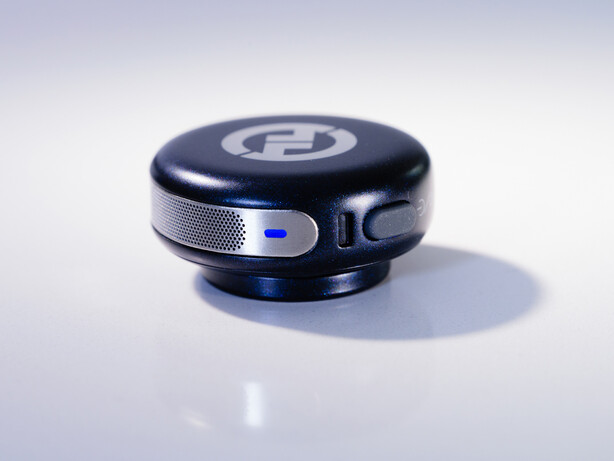
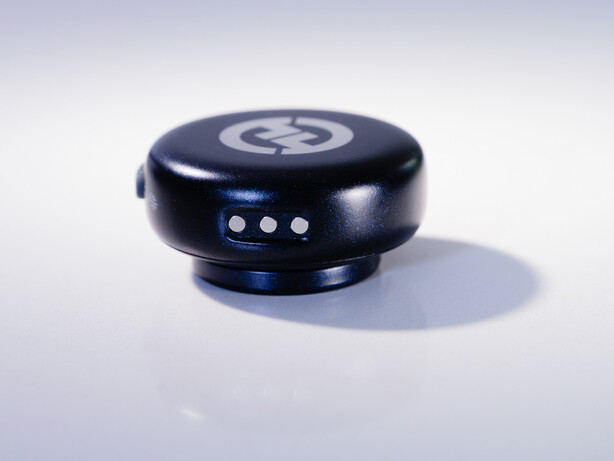
The TX units have their own noise cancellation button which will activate whatever Weak, Medium or Strong (10 dB /15 dB /20 dB) setting the Master controller dictates, and camera RX also offers a Noise Cancellation button on its side. A three-way switch on the camera RX offers three levels of gain/volume control, but if you are using the app at the same time you get six increments of gain instead of three. Individual TX units can be muted locally or via the app, and the camera RX unit can determine whether we are recording in stereo or mono – though it’s a bit disconcerting that the app doesn’t reflect the changed stereo/mono mode in its display when the camera RX is in control.
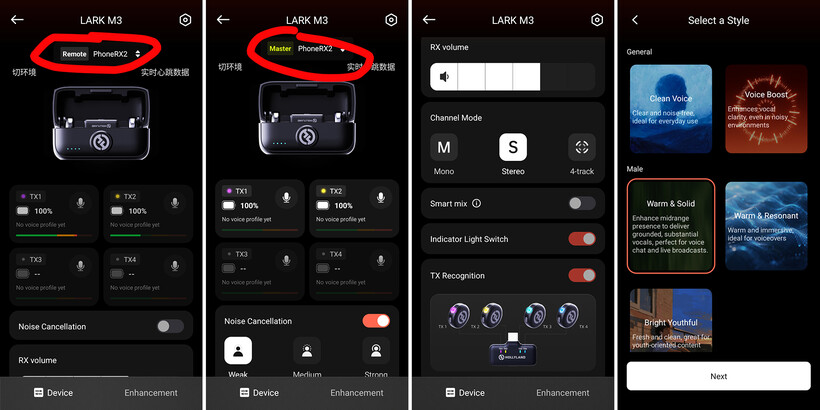
In the most basic plug-in-and-record mode this kit is very easy to operate, but obviously the more control you want the better you’ll need to understand all the coloured/flashing light signals and know what they mean. It isn’t too complicated, but you’ll need to read the handbook to get the best from the kit.
Hollyland Lark M3 Audio quality and performance
These microphones sound very good, and for most every day voice recording either to a camera, a phone or to a computer they will be more than good enough. Their 125dB maximum SPL (Sound Pressure Level) is theoretically capable of recording most levels of sound we make in conversation and in acting, and when the mic is attached in the right place (and not held in the hand to your mouth) this is probably all the capability you’ll need. On paper too, these spec figures match those of ‘pro’ end wireless microphone systems.
For those who don’t want to work on their audio in post-production, or those streaming live, we have built-in voice tones which I found pretty useful, and we can record our own voice to create an individual profile – which can be applied to individual mics, so that each voice could have its own. I liked the preview of my personal profile, but wasn’t able to recall it once saved so I couldn’t apply it a mic to test it.
Hollyland tells us we can put 300m between the RX and TX units and still make a recording. I don’t really have any reason to doubt the direct line-of-sight range, and found when obstacle-free I could get a strong signal at over 100m – I wasn’t testing any further than that. Where the figures become more complicated is when things come between the RX and TX units. I found the walls of a house were no issue when in adjacent rooms, but my body was too much of a barrier outside at a distance of about 30m. I was able to improve the reliability of the signal, and the range to an extent, by adding the phone RX to the mix. Filming with the camera RX in a static position behind me I found I could walk further with the mic attached to my front when I put my phone with its own RX ahead of me – so I had RX units in front and behind me. Hollyland has confirmed that the two units can talk to each other and relay the signal, but the improvement wasn’t dramatic. I also tried making the phone RX the master and having it in my back pocket, facing the camera, while the TX was on my front with my body between it and the camera RX. Again, an improvement, but not one that we would want to rely on because moving around disrupted the signal quite a lot. It would be neat if the camera RX and phone RX could talk to each other and extend the signal in a more secure, and thus useful, fashion. Now we have Hollyland’s HDT technology with its extra bandwidth this might be possible.
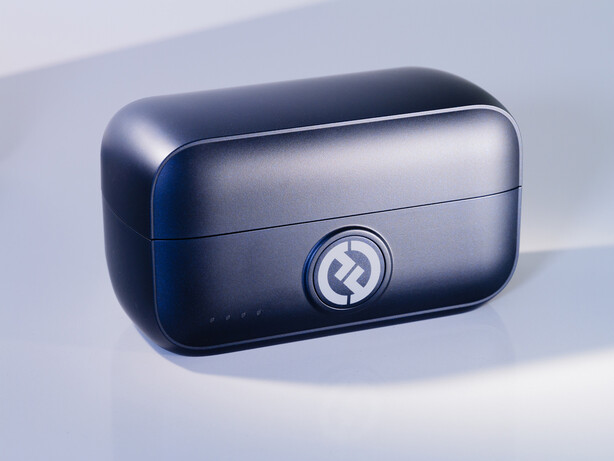
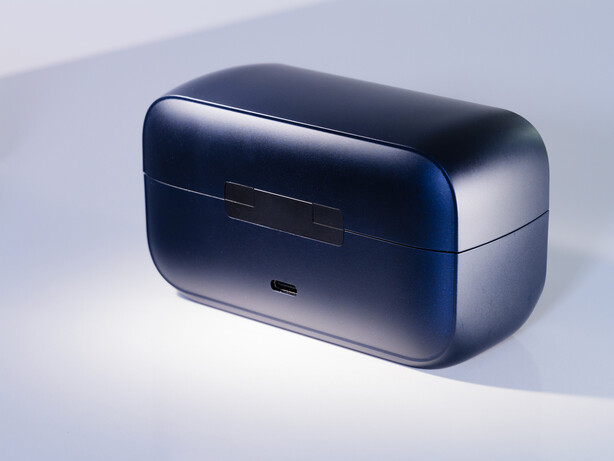
Hollyland says the TX units will last 8 hours between charges, and that the charging case can fill them twice more, which will probably be enough for most of us. These though do have to be charged in the case, as there’s no USB ports in the TX units.
Noise cancellation is pretty well managed, and works well depending on the recording situation. The lowest setting does a good job of reducing background noise so it is allowed to exist without dominating the recording, and the moderate mode can remove it without having too much impact on the voice being recorded. Inevitably the highest setting does impact voice, and if the background has a constant loud noise that impact is worse. On the whole though, the low and moderate settings are very effective.
Hollyland Lark M3 Verdict
It’s really pretty surprising how well this system works and how good the audio quality is considering how little it costs. The standard kit of two microphones with a phone receiver and a camera receiver, in the charging case, is just $119 (approx. £90), and a kit with four microphones and two receivers is just $179 (approx. £135) – which isn’t much for the ability to record four people speaking at the same time.
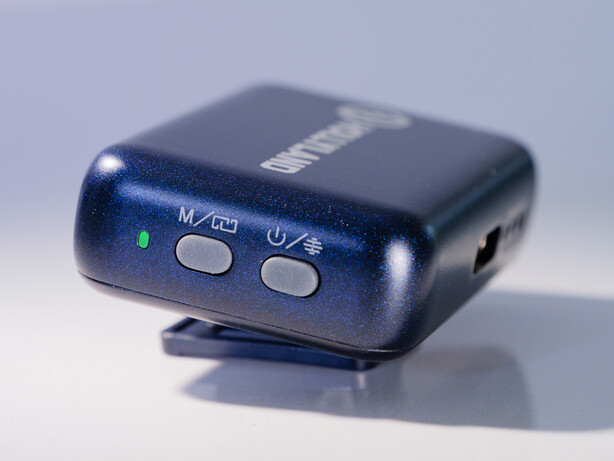
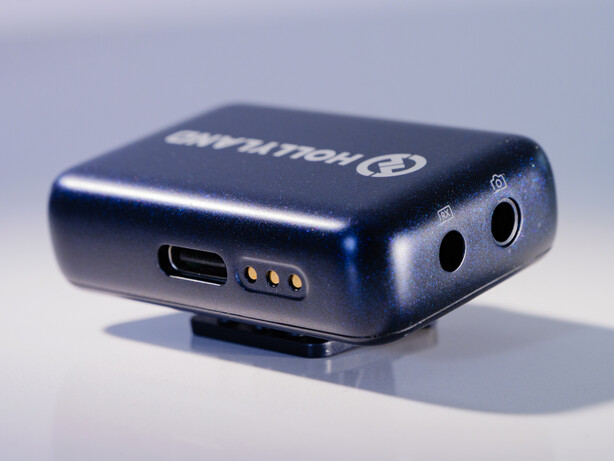
Whatever the price however, these are really very nice microphones and for streamers, home video makers, broadcasters and filmmakers they present a neat package that’s pretty simple to use, highly portable and which will deliver very good audio without too much bother. They are also very quick and easy to set-up and get recording, which will be a critical factor for a lot of people.
That the basic kit is expandable to take in more than one camera and up to four people in front of the lens is pretty amazing, and it makes the Lark M3 kits very useful. In theory you can start with the basic set and add to it as you go, but if there’s a chance in the future you’ll need to grow the kit it’s better to buy the full four-mic set as you’ll have all the slots you need in one changing case. Currently you can’t buy the RX or TX units on their own, but I’m told they will be available individually soon.
Hollyland Lark M3 Pricing
- 2TX&1RX £84.64/$99
- 2TX&2RX £113.59/$119
- 4TX&2RX £171.41/$179
- 2TX&4RX £171.41/$179
Hollyland Lark M3 Specification
| TX Sensitivity | -37dBV±2dBV@1KHz,94dBSPL |
| Wireless Modulation Mode | QPSK 3Mbps |
| Wireless Transmission | 2.4 GHz Adaptive Frequency Hopping |
| TX Polar Pattern | Omnidirectional |
| Frequency Response | 20Hz to 20kHz |
| Signal-to-Noise Ratio | ≥70dB |
| Max Sound Pressure Level | 125dB SPL |
| Noise Cancellation | 10 dB / 15 dB / 20 dB |
| Maximum TX units | Four |
| Maximum RX units | Four |
| Sample Rate and Bit Depth | 48kHz/24-bit & 48kHz/32-bit float |
| Battery Capacity | TX: Approx. 95mAh |
| Camera RX: Approx. 260mAh | |
| Charging Case (2TX&2RX): Approx. 1800mAh | |
| Operating Time | TX: Approx. 8 hours |
| Camera RX: Approx. 9 hours | |
| Charging Cycles | TX: Approx. 1.5 hours |
| Charging Case: Approx. 2.5 hours | |
| Operating Temperature | -10 to 60°C |
| Transmission Range | TX: 300m |
| Dimensions | TX: Approx. D26.5x10mm |
| USB-C RX: Approx. 40×16.5x9mm | |
| Camera RX: Approx. 40x25x13mm | |
| Weight | TX: Approx. 9g |
| USB-C RX: Approx. 5.9g | |
| Camera RX: Approx. 20g |
For more information see the Hollyland website.