



Neurapix has introduced Flow, a new workflow automation service that transfers photographs into Adobe Lightroom Classic and applies AI-powered edits while a shoot is still taking place. The service is designed to reduce the time between capturing an image and delivering it to a client, with photographers able to import pictures either wirelessly from a compatible camera or automatically from an SD card.
The service offers two workflows, called Flow Live and Flow Card. Flow Live uses Wi-Fi to transfer photographs directly from the camera, with each image uploaded automatically after capture once the initial setup is complete. Neurapix then processes the photograph using the photographer’s existing SmartPreset, which applies adjustments based on their preferred editing style. According to the company, the edited images can appear in Lightroom Classic within seconds, allowing photographers to review and select photographs without waiting until the end of a session. The wireless workflow requires a camera supporting FTP transfer or a compatible manufacturer’s cloud service.
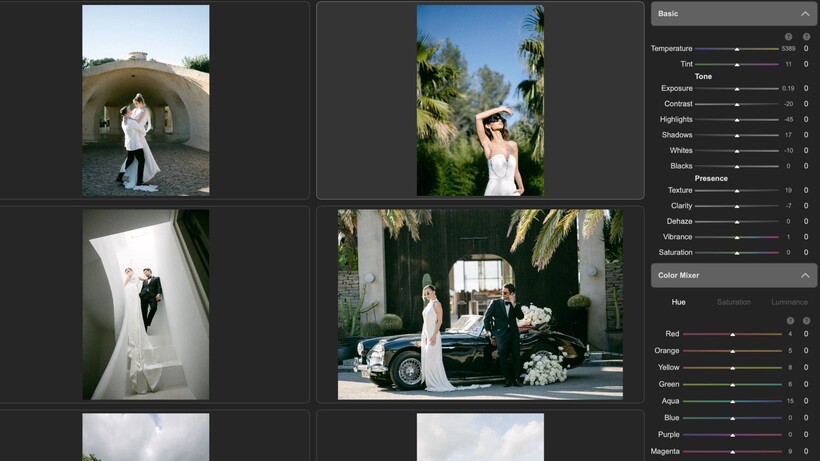
Flow Card provides an alternative for photographers who prefer working with memory cards or regularly handle large numbers of images. Inserting an SD card into the computer automatically starts the Lightroom Classic import process, after which Neurapix applies the selected SmartPreset and prepares the photographs for review using its Culling software. This approach could be particularly useful for photographers working at events where several memory cards are used throughout the day.
Importantly, Neurapix does not permanently apply its adjustments to the original photographs. Instead, the software changes Lightroom’s editing sliders and crop settings, allowing photographers to refine or replace individual adjustments before exporting their finished images. This retains the flexibility of a conventional Lightroom workflow while reducing the amount of repetitive editing required.
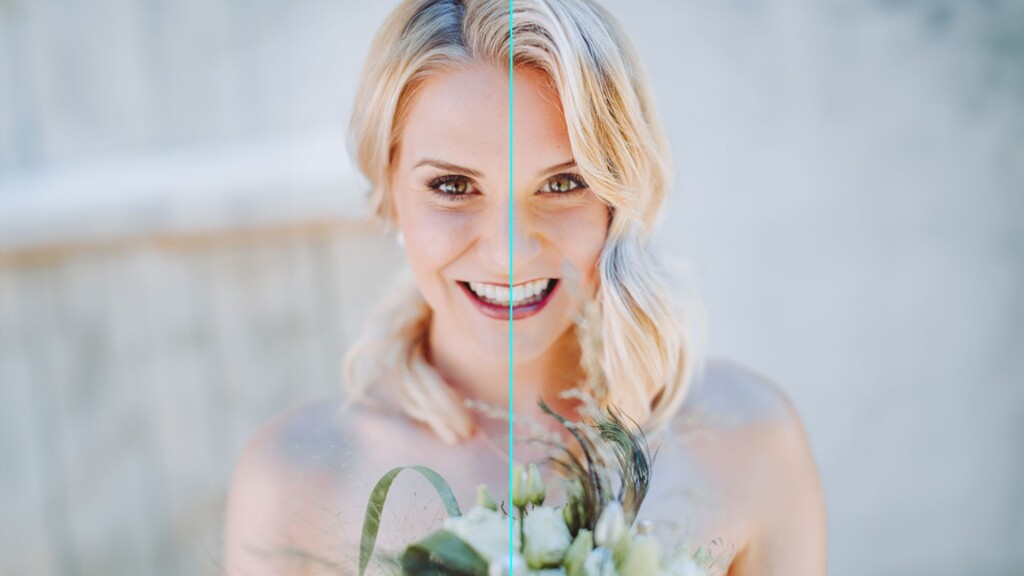
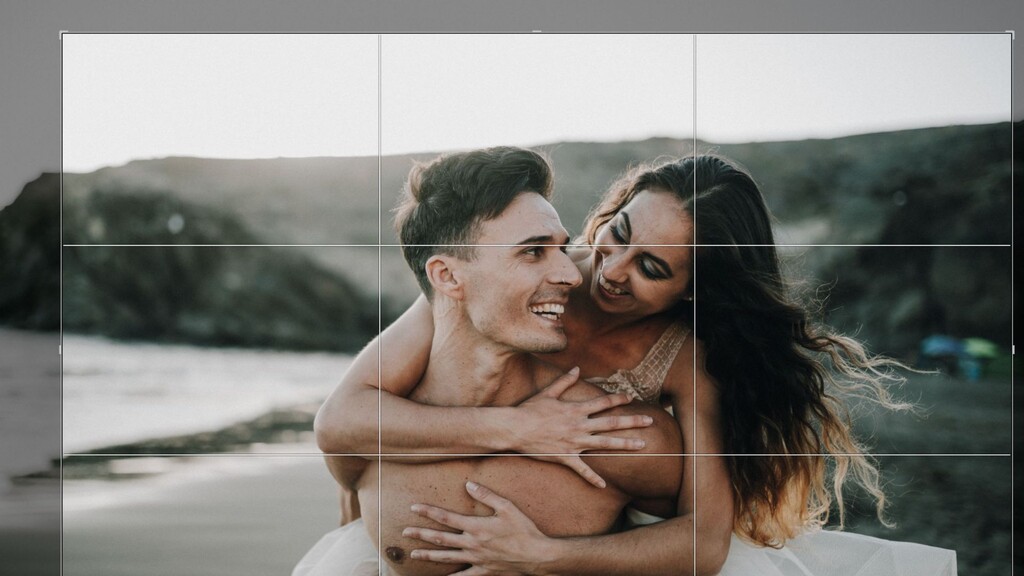


Neurapix is positioning Flow primarily towards photographers who need to deliver images quickly, including those covering sports, weddings and other live events. The ability to prepare photographs while shooting could help press and sports photographers supply images to editors before an event has finished, although actual delivery times will depend on the transfer method, connection and processing requirements.
Neurapix Flow is available now through the latest version of the company’s Lightroom Classic plugin. There is currently no additional charge for using the service. It is included with Neurapix Unlimited, while Pay-per-Picture customers continue to pay the usual editing rate of 4–5 cents per image.
Press release
Via Wi-Fi or SD card: Neurapix Flow delivers finished photos to Lightroom while the shoot is still in progress
Göttingen, Germany, October 22, 2026 | Photos edited straight from the camera and transferred to Lightroom in real time: With the launch of Flow, German AI photo editing company Neurapix is taking another major step toward an automated workflow. Whether via Wi-Fi or SD card, photos arrive fully edited and ready for delivery in Lightroom Classic.
Flow is Neurapix’s new umbrella for workflow automation, and the company’s first move beyond editing and culling into the steps that come before and after. The initial focus is on image import, with two possible routes photographers can take depending on their use case.
Flow Live is Neurapix’s name for the direct Wi-Fi upload of photos from the camera. After a one-time setup*, every image is transferred automatically the moment the shutter is released. Once uploaded, it is edited by the Neurapix AI in the photographer’s individual style using their SmartPreset and delivered straight to Adobe Lightroom Classic within seconds. The images are ready for culling and delivery before the shoot is over.
Flow Card describes the import via SD card, for example, when swapping cards during a shoot or when handling very large volumes of data. As soon as the memory card is inserted into the computer, the import into Lightroom Classic starts automatically. All images are then edited with Neurapix and prepared for culling with Neurapix Culling.
For everyone who needs (or wants) to deliver fast
Delivery speed is becoming the deciding factor in more and more photography segments. That’s exactly what Neurapix Flow was developed for:
- Event and sports photographers send finished, stylistically consistent images to their agency or editorial desk while the event or game is still underway. No card reader, no all-nighter.
- Wedding photographers know the race against “Uncle Bob”: minutes after the first dance, the guests’ smartphone photos are already on WhatsApp or social media. With Neurapix Flow, the professionally edited photos land in Lightroom Classic while the party is still going. The first images can be handed over to the couple during the celebration itself.
- Family and portrait photographers show their clients a first selection of finished images at the end of the session, which turns same-day delivery into a bookable premium service.
- Content creators focused on social media have publication-ready photos in Lightroom Classic in real time so they can shoot, select and post while the moment is still trending.
Photographers stay in full control
As with every Neurapix edit, nothing is “burned” into the photo files: the AI simply sets the Lightroom sliders and the crop for each individual image. Photographers can continue editing every photo exactly where the AI left off right in Lightroom Classic.
“Whoever delivers first wins. That’s as true at the sports desk as it is at a wedding reception,” says Neurapix co-founder and CEO Nils Sauder. “With Neurapix Flow, images edited in the photographer’s own style are available seconds after the shutter is released. At the same time, photographers retain full control. Neurapix Flow turns shooting and editing into a single step.”
The new service is available to all Neurapix users after updating the Lightroom Classic plugin or installing it for the first time, and costs nothing extra for now. That means it is free on the Neurapix Unlimited plan, and on the Pay-per-Picture plan images are billed at the usual rate of 4 to 5 cents each.